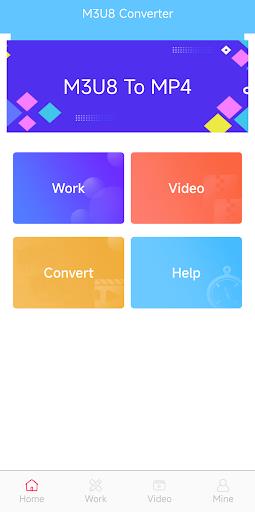
Effortlessly convert videos with Video Converter - M3U8 to MP4. This robust app simplifies M3U8 to MP4 conversion, ensuring compatibility across devices. Ideal for downloading streaming content for offline use or securing a universally playable format. With an intuitive interface and streamlined conversion, your media is ready to travel with you in just a few clicks.
Features of Video Converter - M3U8 to MP4:
Smooth M3U8 to MP4 format conversion
Flawless video playback on your mobile device
Effective organization of all video files
Lossless, high-quality video conversion
Easy video sharing options
Intuitive interface for seamless use
How to use this app?
Download and Install: Get the Video Converter - M3U8 to MP4 app from your app store and set it up.
Launch the App: Open it and allow necessary file access permissions.
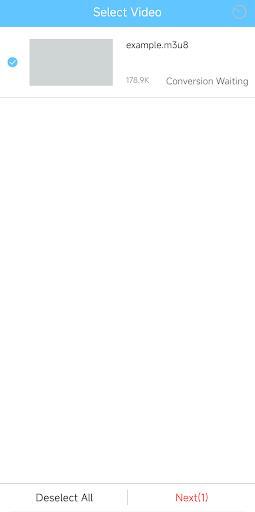
Import M3U8 File: Go to the 'Convert' section and select your M3U8 file or playlist link.
Select Output Format: Pick 'MP4' from the available output options.
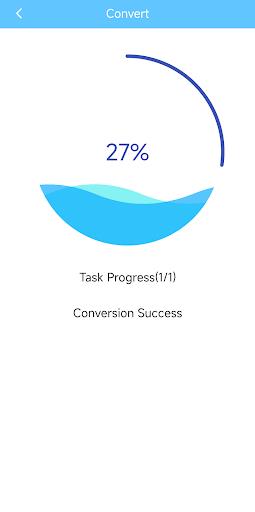
Start Conversion: Hit 'Start' or 'Convert' and let the process finish.
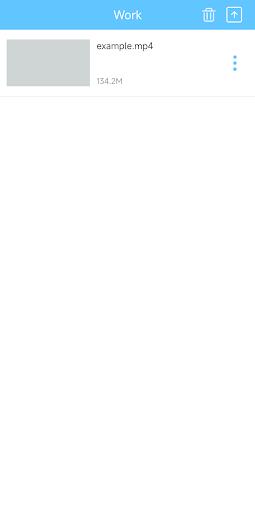
Save Your File: Store the converted MP4 file on your device or cloud for easy access.
Playback: Watch your converted video on any MP4-compatible device.
10.6
27.30M
Android 5.1 or later
com.billsong.videoconvert