
Microsoft Planner helps teams within Office 365 organizations work together more efficiently. Its simple interface lets teams create plans, assign tasks, share files, and track progress from a single hub. By grouping tasks into customizable buckets and offering a clear visual layout, Planner delivers a straightforward and effective project management approach. Team members can collaborate in real time, attaching files and photos, and holding discussions directly within the app. Accessible on any device, Planner keeps everyone connected and up to date. Discover how it can strengthen your team's collaboration.
Key Features of Microsoft Planner:
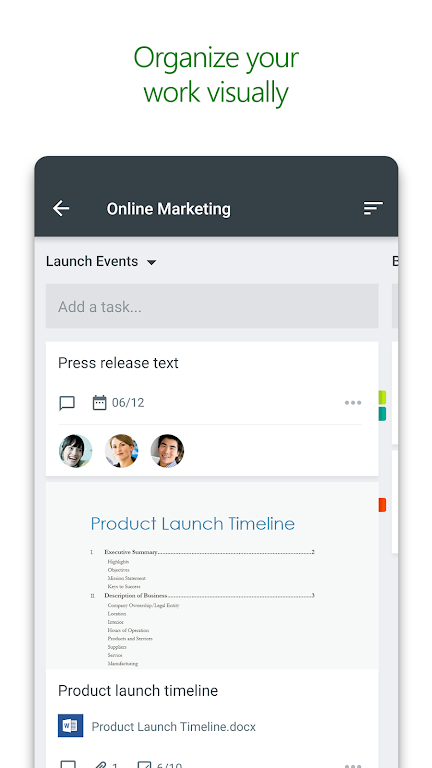
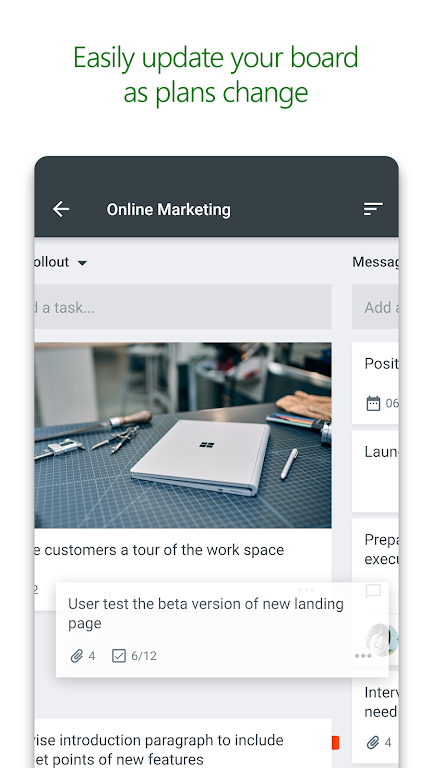
> Visual organization: Microsoft Planner offers an intuitive, visual way to structure teamwork. Each plan gets its own board, where tasks are sorted into customizable buckets and can be dragged between columns to reflect their current status or assignment.
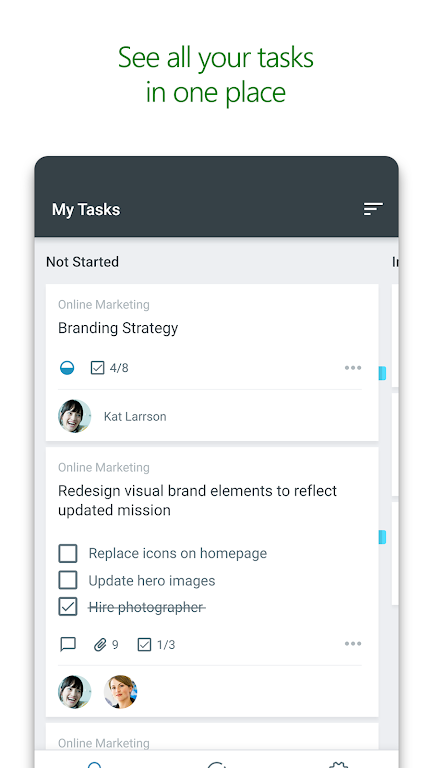
> Clear visibility: The My Tasks view provides a personal dashboard showing all your assigned tasks and their status across every plan, so you always know what you and your teammates are working on.
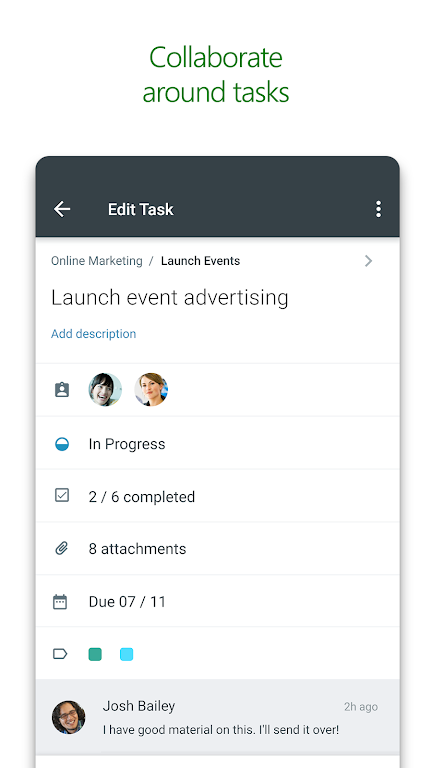
> Seamless collaboration: Work together on tasks, attach images and documents, and hold conversations without leaving the app. This keeps all discussions and deliverables directly linked to the relevant plan.
Helpful Tips for Users:
> Use task buckets effectively: Sort tasks into buckets by status, priority, or assignee to maintain a clear visual overview and make workload management easier.
> Stay informed with My Tasks: Regularly review your My Tasks view to monitor progress and deadlines for all assignments across different plans.
> Collaborate efficiently: Make the most of built-in collaboration tools to work smoothly with your team, attach relevant files, and keep conversations centralized within each task.
In Summary:
Microsoft Planner is a robust solution for organizing teamwork, increasing transparency, and fostering better collaboration. Through its visual boards, detailed task management, and integrated communication features, Planner helps teams maintain productivity and keep projects moving forward. Start using Microsoft Planner today to optimize your team's workflow and enhance overall efficiency.
1.18.18
31.80M
Android 5.1 or later
com.microsoft.planner