
Fix Final Fantasy 7 Rebirth Stuttering on PC: Easy Solutions
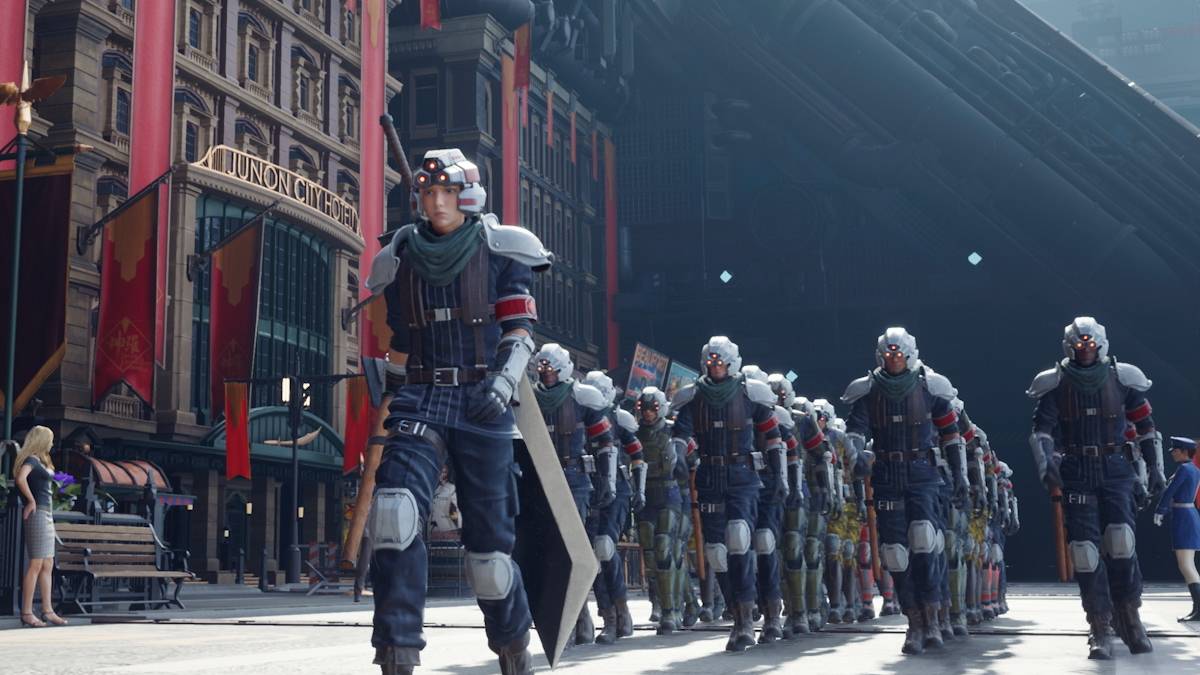
The much-anticipated release of *Final Fantasy 7 Rebirth* on PC has been marred by complaints of severe stuttering. However, fear not—here are some effective solutions to smooth out your gaming experience.
Table of Contents
-----------------Final Fantasy 7 Rebirth PC Stuttering Solutions
-----------------------------------------------Lower Graphics Settings
*Final Fantasy 7 Rebirth* is a visually stunning but demanding game, requiring your PC to meet or exceed the recommended specifications to prevent stuttering. If your system only meets the minimum requirements, adjusting your graphics settings is crucial. Navigate to the game's menu and access the graphics options. Begin by setting everything to the lowest settings and then incrementally increase them, keeping a close eye on the game's performance.
Additionally, consider switching your Display Sync Technology to VRR. Some players have found this adjustment reduces lag and stutter, though it might introduce some visual fragmentation.
Update Your GPU Driver
Alongside tweaking your graphics settings, ensure your GPU driver is up-to-date. Newer drivers often enhance performance for recently released games. For Nvidia users, open GeForce Experience and select the Drivers option on the left. AMD users should launch AMD Adrenalin Edition, where the main menu will indicate if you're running the latest version.
Related: All Minigames in FF7 Rebirth, Ranked from Worst to Best
Use Mods
Another avenue to explore is using mods to combat stuttering in *Final Fantasy 7 Rebirth*. Two highly recommended mods are Fantasy Optimizer and Ultimate Engine Tweaks, both of which can significantly boost the game's performance. Installing these mods is straightforward: create a mod folder within the game's directory and add the mod files. For easier management, consider using Vortex Mod Manager from Nexus Mods. Note that Ultimate Engine Tweaks requires the use of FFVIIHook.
Change Your Nvidia Settings
For Nvidia users, there's an additional tweak to help eliminate stuttering in *Final Fantasy 7 Rebirth*. Enable V-Sync and G-Sync in the Nvidia Control Panel's Graphics section, but remember to disable V-Sync within the game itself. Also, adjust the Low Latency Mode to either 'On' or 'Ultra' for optimal performance.
With these solutions, you should be well-equipped to enjoy *Final Fantasy 7 Rebirth* without the frustration of stuttering. Dive back into the world of Midgar and beyond with a smoother, more immersive experience.
*Final Fantasy 7 Rebirth is available now on PlayStation and PC.*
-

happn: Dating, Chat & Meet
-

Stranger Chat - No Login
-

Dating App: Chat, Meet, Date
-

senior dating and chat
-

Video chat for adult
-

Chat online - People in Love
-

Curvy Singles Dating
-

True Love – Find a date. Chat and Flirt for free
-

Ashley Madison
-

Excess Telecom App
-

PUTLOCKER: MOVIES & SERIES
-

Streameast App Stream Advices
-
1
![Roblox Forsaken Characters Tier List [UPDATED] (2025)](https://imgs.ksjha.com/uploads/18/17380116246797f3e8a8a39.jpg)
Roblox Forsaken Characters Tier List [UPDATED] (2025)
Mar 17,2025
-
2
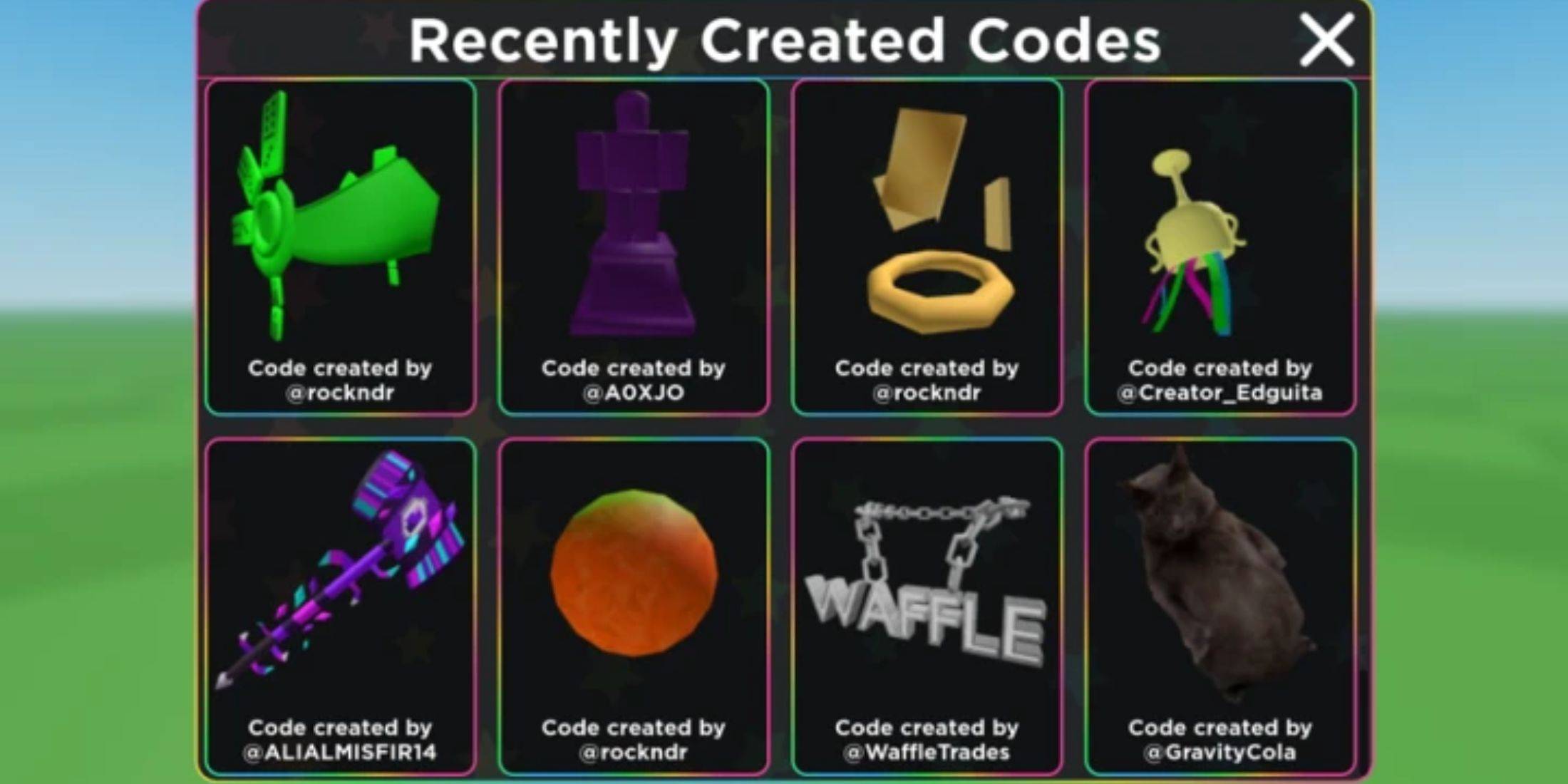
Roblox UGC Limited Codes Unveiled for January 2025
Jan 06,2025
-
3
Stardew Valley: A Complete Guide To Enchantments & Weapon Forging
Jan 07,2025
-
4
Pokémon TCG Pocket: Troubleshooting Error 102 Resolved
Jan 08,2025
-
5
Free Fire Characters 2025: Ultimate Guide
Feb 20,2025
-
6
Blood Strike - All Working Redeem Codes January 2025
Jan 08,2025
-
7
Roblox: RIVALS Codes (January 2025)
Jan 07,2025
-
8
Delta Force: A Complete Guide to All Campaign Missions
Apr 09,2025
-
9

Blue Archive Unveils Cyber New Year March Event
Dec 19,2024
-
10
Cyber Quest: Engage in Captivating Card Battles on Android
Dec 19,2024
-
Download

A Simple Life with My Unobtrusive Sister
Casual / 392.30M
Update: Mar 27,2025
-
Download
![Corrupting the Universe [v3.0]](https://imgs.ksjha.com/uploads/66/1719514653667db61d741e9.jpg)
Corrupting the Universe [v3.0]
Casual / 486.00M
Update: Dec 17,2024
-
Download
Ben 10 A day with Gwen
Casual / 47.41M
Update: Feb 24,2025
-
4
Random fap scene
-
5
Oniga Town of the Dead
-
6
Cute Reapers in my Room Android
-
7
A Wife And Mother
-
8
Permit Deny
-
9
My School Is A Harem
-
10
Utouto Suyasuya