
Minecraft: A Complete Guide to Enchanting with Friends
Enchanting in Minecraft: Play with Friends is a core game mechanic that allows players to enhance their weapons, armor, and tools with powerful magical properties. These enchantments provide major advantages, including improved durability, greater damage, faster resource gathering, and special abilities like auto-repair or damage resistance. This guide explains how to set up an enchanting station, the best enchantments for various gear, and strategies to get the most out of your enchanting experience.
What is Enchanting and Why is it Important?
Enchanting gives players the ability to add special powers and upgrades to their gear, offering significant benefits in combat, mining, and survival. Without enchantments, tools and weapons are noticeably less effective and wear out quickly, while standard armor offers only minimal protection. The system enriches gameplay by letting players customize their equipment for specific roles, such as crafting a pickaxe that increases diamond yield or a sword that inflicts fire damage. For those tackling challenging areas like the Nether, the End, or boss fights against the Warden and Ender Dragon, enchantments are practically essential for victory.
How to Set Up an Enchanting Table and Room
To start enchanting, you must first craft an Enchanting Table. This requires 4 Obsidian blocks, 2 Diamonds, and 1 Book. These materials are mid-to-late game resources, as mining obsidian requires a diamond pickaxe, and diamonds themselves are scarce early on. Once crafted, the enchanting table becomes the centerpiece of your setup.
However, to unlock high-level enchantments, the table must be placed near Bookshelves. You’ll need 15 bookshelves arranged in a square or circle around the table, with a one-block gap between them and no obstructions blocking the connection. Each bookshelf raises the maximum enchantment level available, capping at Level 30 when all 15 are correctly positioned. Bookshelves are crafted from Books (made with paper and leather) and Wooden Planks, so cultivating sugarcane and raising cows early on helps you prepare for enchantment.
Additionally, enchanting consumes Experience Levels (XP) and Lapis Lazuli, a blue ore found deep underground. Without enough XP and Lapis, you cannot enchant items, which motivates players to explore, battle mobs, or build dedicated experience farms.
The Enchanting Process Explained
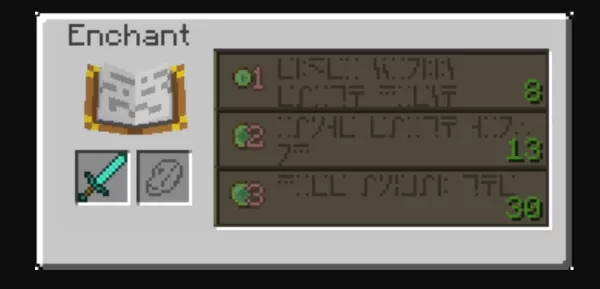
Once your enchanting table is fully set up, using it is simple. Place the item you want to enchant in the first slot of the interface and Lapis Lazuli in the second. The table will display three enchantment choices, each with its own XP level and Lapis cost. Higher player levels unlock stronger enchantment tiers, with the most powerful options available only at Level 30.
Hovering over an enchantment reveals at least one guaranteed effect, though you may also receive additional random enchantments. This element of chance adds excitement and unpredictability to the process. For players aiming for precise results, enchanting Books first is a smart tactic. You can then use an Anvil to combine these enchanted books with your gear, offering greater control over the final outcome.
Anvils, Combining, and Enhancing Enchantments
Anvils, made from Iron Blocks and Iron Ingots, are a vital part of the enchanting system. With an anvil, you can:
Merge two enchanted items to combine their enchantments.Apply enchanted books to gear.Rename items for personalization.
However, merging enchantments on an anvil costs XP and adds a Prior Work Penalty, meaning each use increases the XP cost of future repairs or combinations. Eventually, an item may become "Too Expensive" to modify further. To prevent this, plan your combinations carefully, merging books in an optimal sequence before applying them to your tools or armor.
You can also use a Grindstone to remove all non-curse enchantments from an item, recovering some XP in the process. This helps when you want to reset or salvage equipment.
Mending and Unbreaking
Mending and Unbreaking are fundamental enchantments for any high-quality gear. Mending automatically repairs an item as you collect XP, giving tools near-infinite longevity with regular play. Unbreaking gives items a chance to avoid durability loss when used, greatly extending their lifespan. Together, these enchantments keep your valuable equipment in service almost indefinitely, making them must-haves for all your gear.
You can also play Minecraft: Play with Friends on your PC or Laptop using BlueStacks, enjoying the game on a larger screen with keyboard and mouse controls.
Continue your Minecraft: Play with Friends journey with our other detailed guides:
How to Play Minecraft on PC with BluestacksHow to Never Die in Minecraft: Play with Friends Survival The Ultimate Strategy GuideMinecraft Map Guide: Navigating, Creating, and Mastering Every TerrainMinecraft Bundles of Bravery Update – Hardcore Mode, Bundles, and What’s New for Bedrock PlayersBlueStacks Guide to Building Animal Farms in Minecraft

-

Lovely Video Chat - live video chat for dating
-
Unicode ⇄ Zawgyi
-

Pink Roses Theme C Launcher
-

Flixtor Movies and Series
-

Dramacool9 - Watch Asian Drama
-

GogoAnime - Watch Anime Online
-

Pandrama - Ver Doramas
-

Pelismart Peliculas en Estreno
-

Yface
-

Plamfy: Watch Live Stream
-

FirstLine Benefits
-

Hoji Cam: Analog Film Filter
-
1
![Roblox Forsaken Characters Tier List [UPDATED] (2025)](https://imgs.ksjha.com/uploads/18/17380116246797f3e8a8a39.jpg)
Roblox Forsaken Characters Tier List [UPDATED] (2025)
Mar 17,2025
-
2
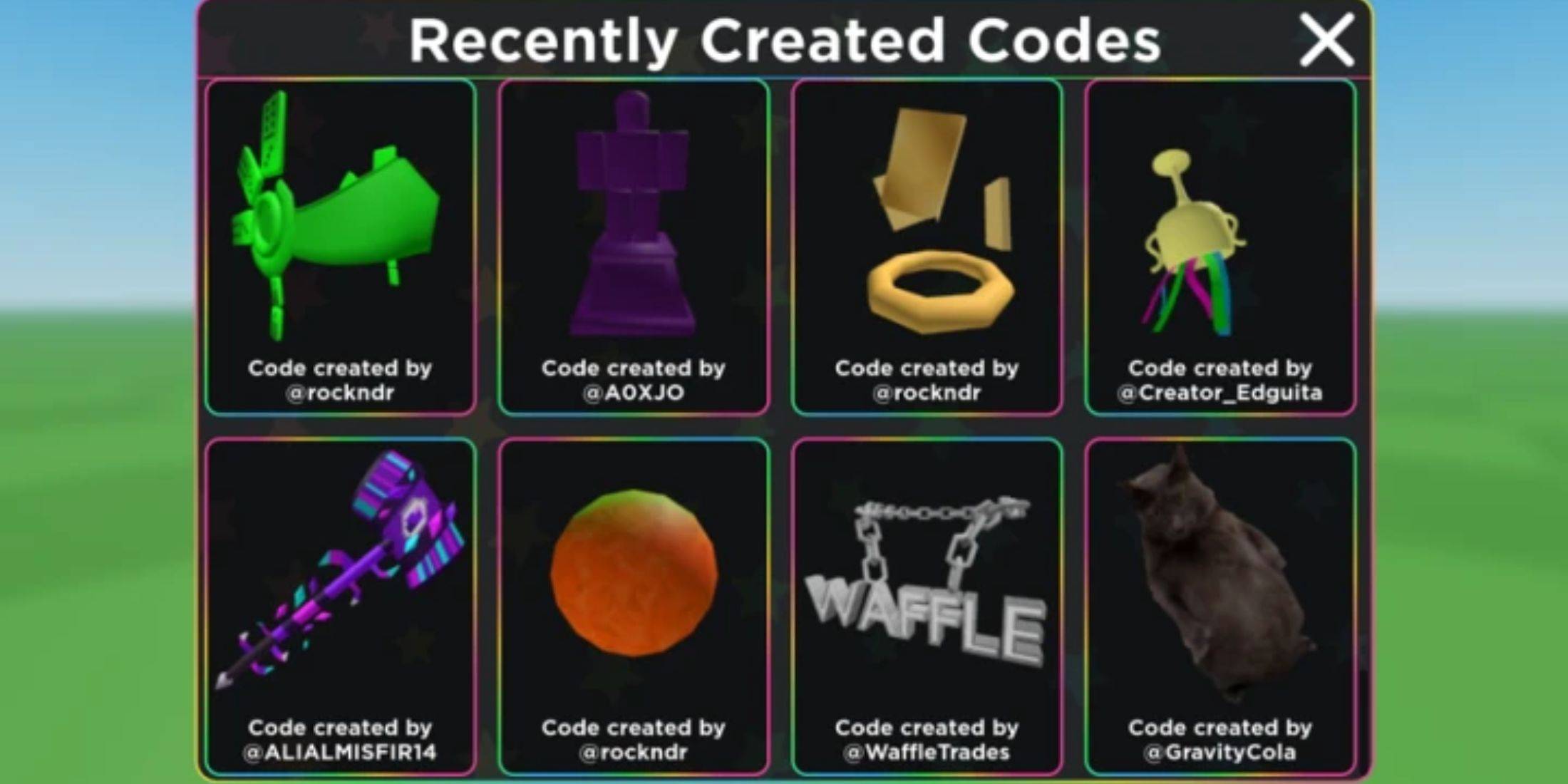
Roblox UGC Limited Codes Unveiled for January 2025
Jan 06,2025
-
3
Stardew Valley: A Complete Guide To Enchantments & Weapon Forging
Jan 07,2025
-
4
Pokémon TCG Pocket: Troubleshooting Error 102 Resolved
Jan 08,2025
-
5

Free Fire Characters 2025: Ultimate Guide
Feb 20,2025
-
6

Roblox: RIVALS Codes (January 2025)
Jan 07,2025
-
7
Blood Strike - All Working Redeem Codes January 2025
Jan 08,2025
-
8
Delta Force: A Complete Guide to All Campaign Missions
Apr 09,2025
-
9

Blue Archive Unveils Cyber New Year March Event
Dec 19,2024
-
10
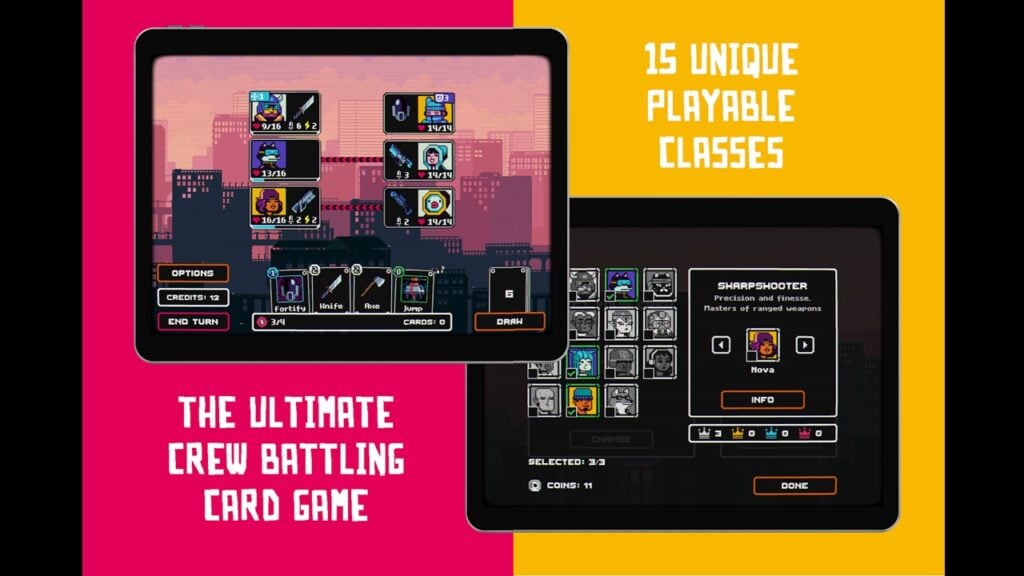
Cyber Quest: Engage in Captivating Card Battles on Android
Dec 19,2024
-
Download

A Simple Life with My Unobtrusive Sister
Casual / 392.30M
Update: Mar 27,2025
-
Download
![Corrupting the Universe [v3.0]](https://imgs.ksjha.com/uploads/66/1719514653667db61d741e9.jpg)
Corrupting the Universe [v3.0]
Casual / 486.00M
Update: Dec 17,2024
-
Download

Ben 10 A day with Gwen
Casual / 47.41M
Update: Feb 24,2025
-
4
Random fap scene
-
5
Oniga Town of the Dead
-
6
Cute Reapers in my Room Android
-
7
A Wife And Mother
-
8
Permit Deny
-
9
My School Is A Harem
-
10
Utouto Suyasuya