
TV Sat Info Pakistan is a user-friendly and intuitive application designed to simplify the process of setting up a satellite receiver and precisely aligning a satellite dish. The app serves as a one-stop solution for both beginners and seasoned satellite users, offering step-by-step guidance on how to properly identify and configure satellites for optimal signal reception. With its easy-to-navigate interface, TV Sat Info Pakistan ensures that users can align their dishes quickly and accurately, saving time and reducing setup frustrations.
The app also includes several handy features tailored to enhance the user experience. Among these is the “Favorite” function, which allows users to bookmark preferred channels for faster access. Additionally, a built-in transmitter search feature enables users to locate specific transmitters or channels effortlessly. A language selection option further improves usability by allowing users to switch between different interface languages based on personal preference. All satellite data—including frequencies, channel lists, and technical parameters—is neatly organized and searchable, ensuring efficient navigation.
Key Features of TV Sat Info Pakistan
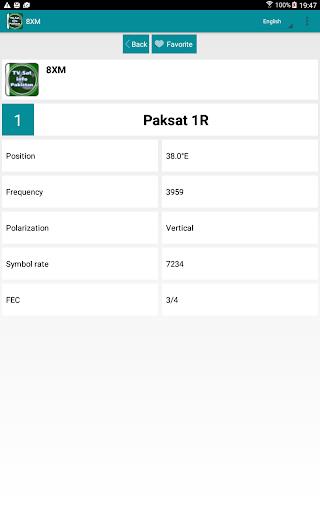
- Comprehensive Station Information: The app provides detailed data on various satellite stations, including station name, satellite position, frequency, polarization, symbol rate, and FEC settings. This level of detail helps users correctly configure their receivers for each channel.
- Favorite Channels Function: Easily save your most-watched channels under the “Favorite” section for quick and hassle-free access whenever you tune in.
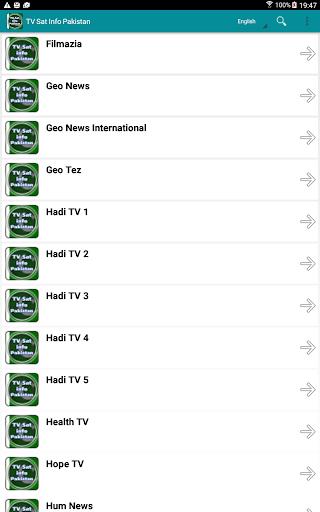
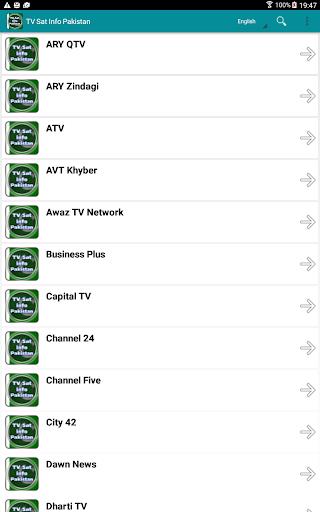
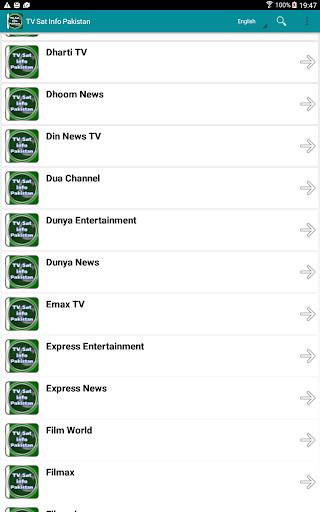
- Transmitter Search Capability: Quickly find specific transmitters or channels using the search function, eliminating the need to scroll through long, unorganized lists.
- Multilingual Interface Support: Choose from multiple languages to customize the app’s interface, making it accessible and user-friendly for a broader audience.
Useful Tips for Getting the Most Out of the App
- Bookmark Your Favorites: Use the Favorite feature to store your go-to channels, streamlining your viewing experience and minimizing search time.
- Leverage the Search Tool: When looking for a specific channel or transmitter, simply enter a keyword or name into the search bar for instant results.
- Try Different Languages: If you're bilingual or interested in exploring content in another language, take advantage of the language function to change the app's display language at any time.
Final Thoughts
TV Sat Info Pakistan is an essential tool for anyone involved in satellite dish installation or tuning. Whether you’re new to satellite setups or a seasoned technician, this app delivers all the tools needed to configure your system with ease and precision. From comprehensive station data to smart organizational features like favorites and search, the app makes satellite alignment more efficient than ever before. Download [ttpp] today and enjoy a seamless setup experience along with effortless access to your favorite channels. For even more tips and updates, follow us on social media and join our growing community of satisfied users at [yyxx].
1.0.4
2.10M
Android 5.1 or later
net.desi24.pakistansatellite