
Application Description:
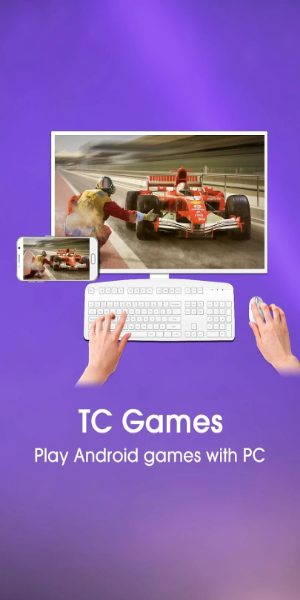
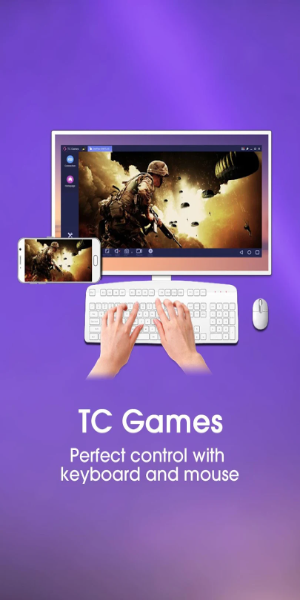
TC Games for PC lets you play mobile games by seamlessly mirroring your Android device to your computer, allowing you to enjoy titles using a keyboard and mouse. Featuring low CPU consumption and stable performance, it supports virtually all mobile games. Extra tools like screen recording and customizable key mapping give you total control over your gaming setup!
Key Features of TC Games for PC
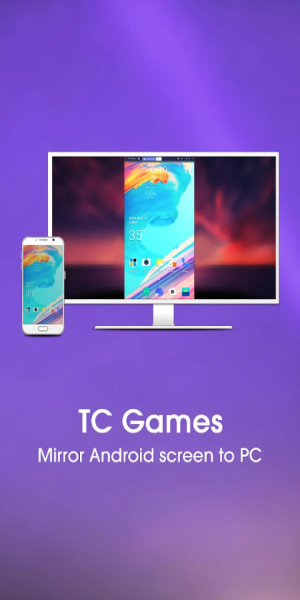
- Android Screen Mirroring: Cast your Android display to your computer, making it easier to play mobile games on a larger monitor.
- Low CPU Usage and Stable Performance: Experience smooth gameplay with optimized resource usage, ensuring consistent performance without lag.
- Customizable Key Mapping: Tailor your controls to match your preferred gaming style for maximum precision and control.
- Screen Recording and Screenshot: Capture epic moments or record full sessions to share with friends directly from the app.
User Tips
- Tweak your key mapping settings to optimize controls for specific games, enhancing your overall performance.
- Use the built-in screen recorder to save highlights or create content to share on social media with friends.
- Leverage the mirroring feature to enjoy mobile titles on a bigger screen for improved visuals and immersion.
Design and User Experience
Interface Design
TC Games boasts a sleek, modern interface designed for intuitive navigation. Its clean layout and organized menus help users quickly access features, ensuring a visually pleasing experience. The design balances aesthetic appeal with practical functionality.
User Experience
Built specifically for gamers, the app delivers responsive and lag-free gameplay. Mirroring your Android device to PC is simple, requiring minimal setup. With low latency and high stability, you get an immersive experience, while customizable keys provide complete control for efficient gaming.
What's New
- Improved Button Loading Logic: Prevents key coordinate misalignment caused by incorrect directional inputs.
- Sidebar Display Optimization: Enhances the display logic on the side panel when using full-screen mode.
- Bug Fixes for Buttons: Resolved issues related to known button failures.
- General Bug Fixes: Corrected other minor bugs to improve overall stability.
Screenshot
App Information
Version:
3.0.40.14093
Size:
6.80M
OS:
Android 5.1 or later
Developer:
Sigma Resources & Technologies, Inc.
Package Name
com.sigma_rt.tcg
Reviews
Post Comments





Trending apps






Software Ranking









