Lar > Aplicativos >Bazaart

Introducing Bazaart, a powerful yet intuitive design studio and photo editing app tailored for creators of all skill levels. Whether you're designing logos, flyers, social media posts, or personalized photo collections, Bazaart puts the tools of professional design right at your fingertips. Step into a world of creative freedom and transform your ideas into stunning visuals with ease.
Features of Bazaart:
Create Artwork:
With Bazaart, crafting visually striking images is simple. Choose from a wide array of styles, effects, and design elements to bring your vision to life.
Easy to Use:
Designed with simplicity in mind, Bazaart offers an intuitive interface and a full suite of editing tools that anyone can master—no prior experience required.
Customizable:
Take full control of your designs. Adjust image sizes, change backgrounds, tweak colors, and fine-tune every detail to achieve the perfect look and feel.
Unique Photo Sets:
Stand out from the crowd by creating one-of-a-kind photo collections. Bazaart’s creative tools help you add a personal touch that reflects your style.
Collage Creation:
Effortlessly combine multiple photos into eye-catching collages. Enhance details, apply effects, and arrange layouts to create professional-quality compositions.
Shareability:
Showcase your creations with pride. Share your edited photos and designs directly to social media platforms and impress your friends and followers.
What Does It Do?
Bazaart transforms your Android device into a full-fledged creative studio. Start by selecting images from your local gallery or searching for new ones online. Then, dive into the app’s rich editing features to customize every aspect of your visuals.
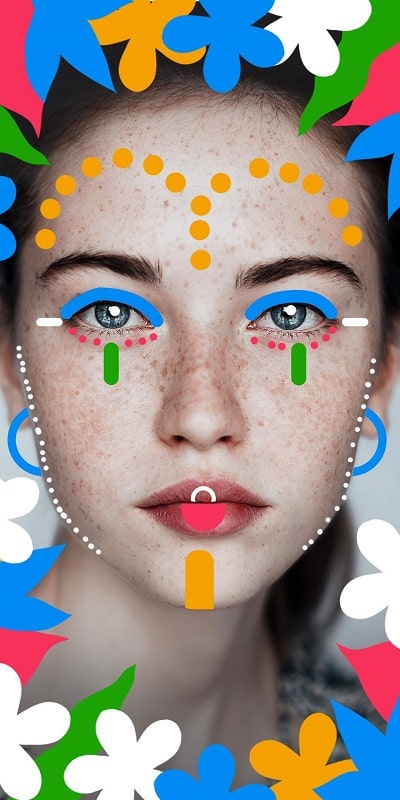
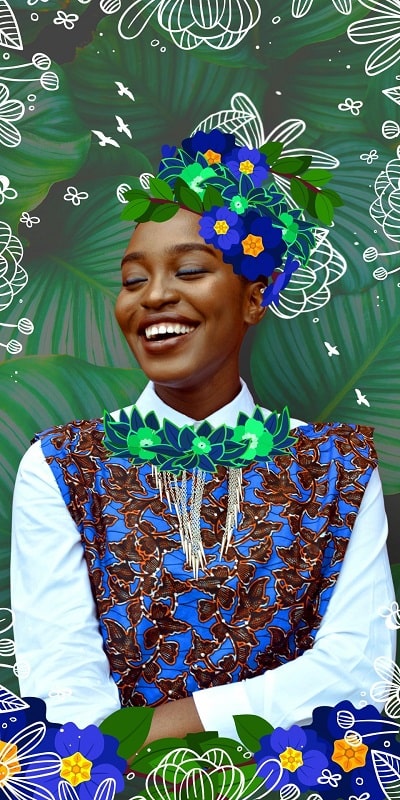
Remove backgrounds and cut out objects with precision using smart, AI-powered tools. Enhance your photos by adjusting brightness, contrast, saturation, and more—tailor the color quality to your liking. Decorate your images with trendy stickers from the app’s extensive library, or create your own graphics from scratch.
Add text in various fonts, sizes, and placements to make your visuals more engaging. Apply stunning filters to instantly elevate the mood and tone of your photos. Explore a variety of stylized frames with unique outlines and shadows to give your images a polished finish.
Conclusion:
Bazaart is a versatile, user-friendly app that empowers everyone to create beautiful, customized visuals with confidence. Packed with professional-grade tools, effects, and customization options, it makes photo editing and graphic design accessible to all. Whether you're designing for fun or building your social media presence, Bazaart helps you stand out. Download Bazaart today from [ttpp] and start creating stunning visuals that capture attention and inspire likes.
Requirements:
The free version of Bazaart is available for all Android users at [yyxx], offering smooth performance and easy access to essential features. Please note that as a freemium app, Bazaart includes ads and offers in-app purchases to unlock premium tools and content.
Upon first launch, the app will request necessary permissions to access storage, camera, and other functions—these are essential for full functionality. For the best experience, ensure your device runs Android 8.0 or higher and is updated to the latest firmware version to maintain app stability and compatibility.

2.6.7
32.10M
Android 5.1 or later
me.bazaart.app