
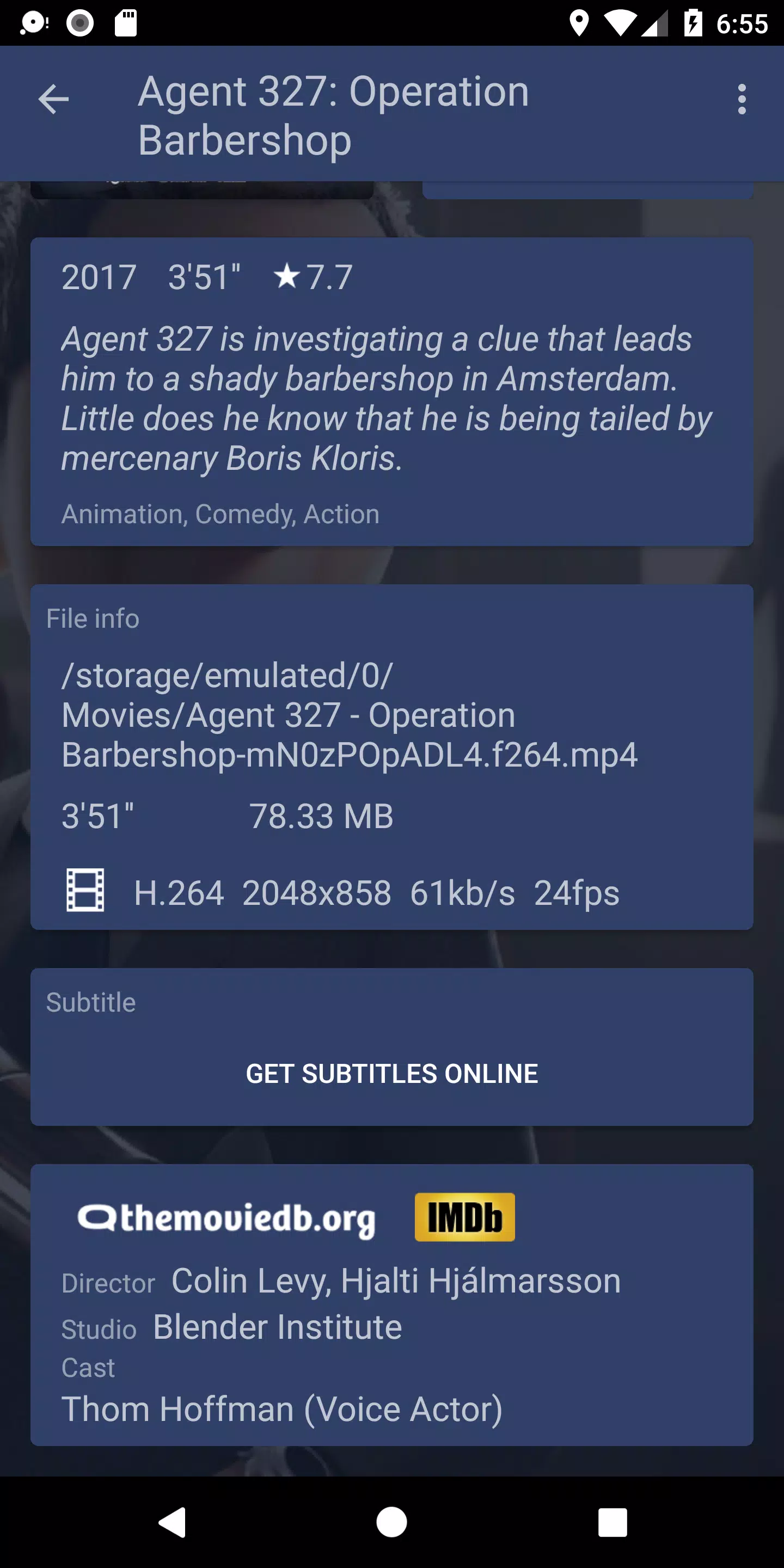
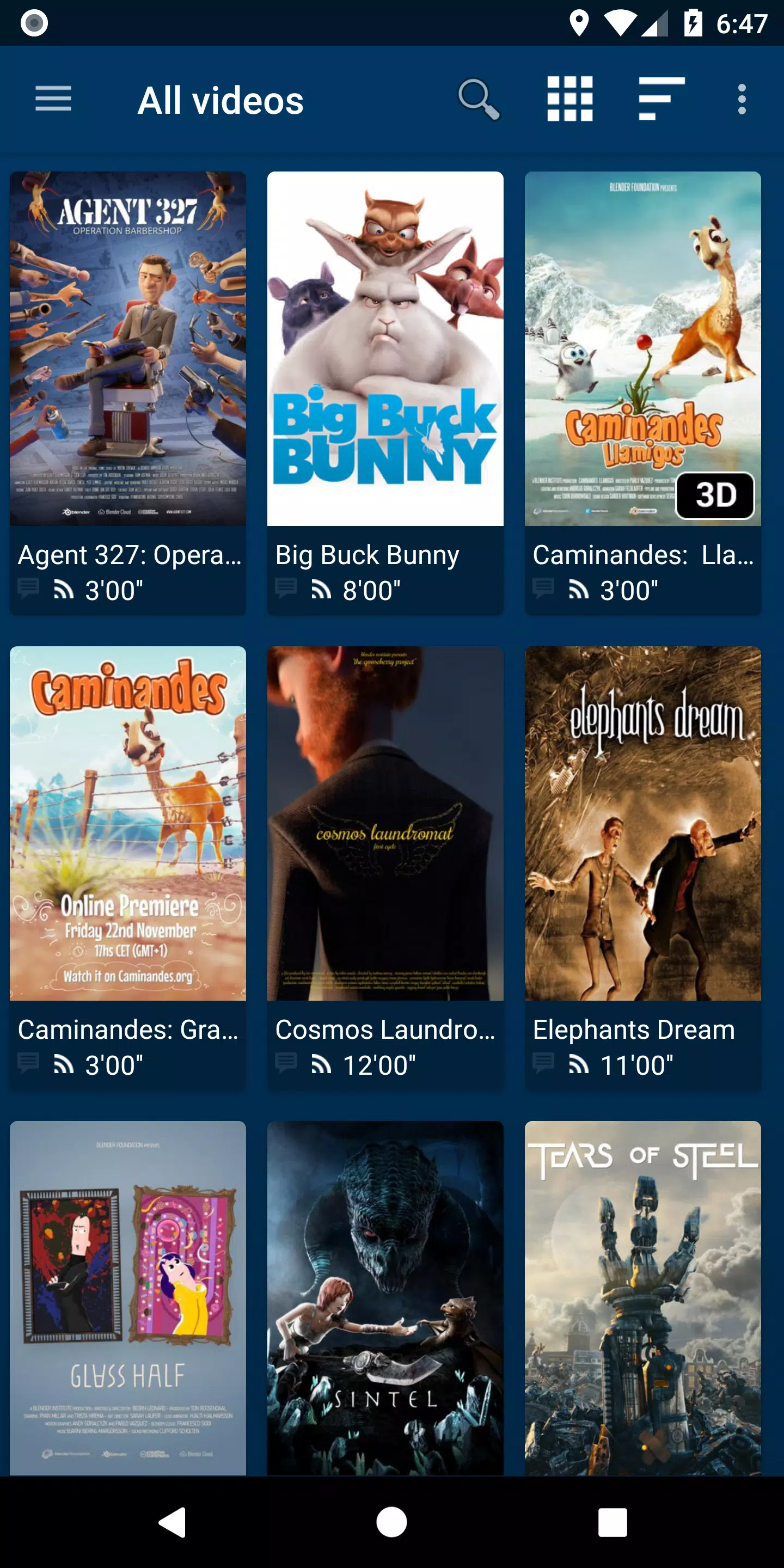
NOVA Video Player is a powerful, open-source video player built for Android devices, including smartphones, tablets, and TVs. Designed with versatility in mind, it supports a vast array of video formats and delivers advanced features such as hardware-accelerated decoding, seamless network sharing, and comprehensive subtitle support. What truly sets NOVA apart is its ability to pull rich metadata—like posters, backdrops, and detailed descriptions—for your movies and TV shows, transforming your media library into a visually engaging, organized collection. Whether you're accessing files from local storage, a home server, NAS, or external USB drives, NOVA unifies all sources into one intuitive interface.
Features of NOVA Video Player:
⭐ Universal Player: Stream videos effortlessly from multiple sources, including computers, servers, NAS devices, and external USB drives. NOVA consolidates all your media into a single, cohesive library and automatically fetches movie and TV show details, complete with high-quality posters and background artwork.
⭐ Top-Tier Performance: Enjoy smooth playback with hardware-accelerated video decoding across most devices and formats. The player supports multiple audio tracks, multiple subtitles, and a wide range of file types, ensuring compatibility with nearly any media file you throw at it.
⭐ Optimized for TV: NOVA offers a sleek "leanback" interface tailored for Android TV, making navigation simple with a remote. It also supports AC3/DTS pass-through on compatible hardware, 3D video playback, Audio Boost mode for louder output, and Night Mode for balanced audio during late-night viewing.
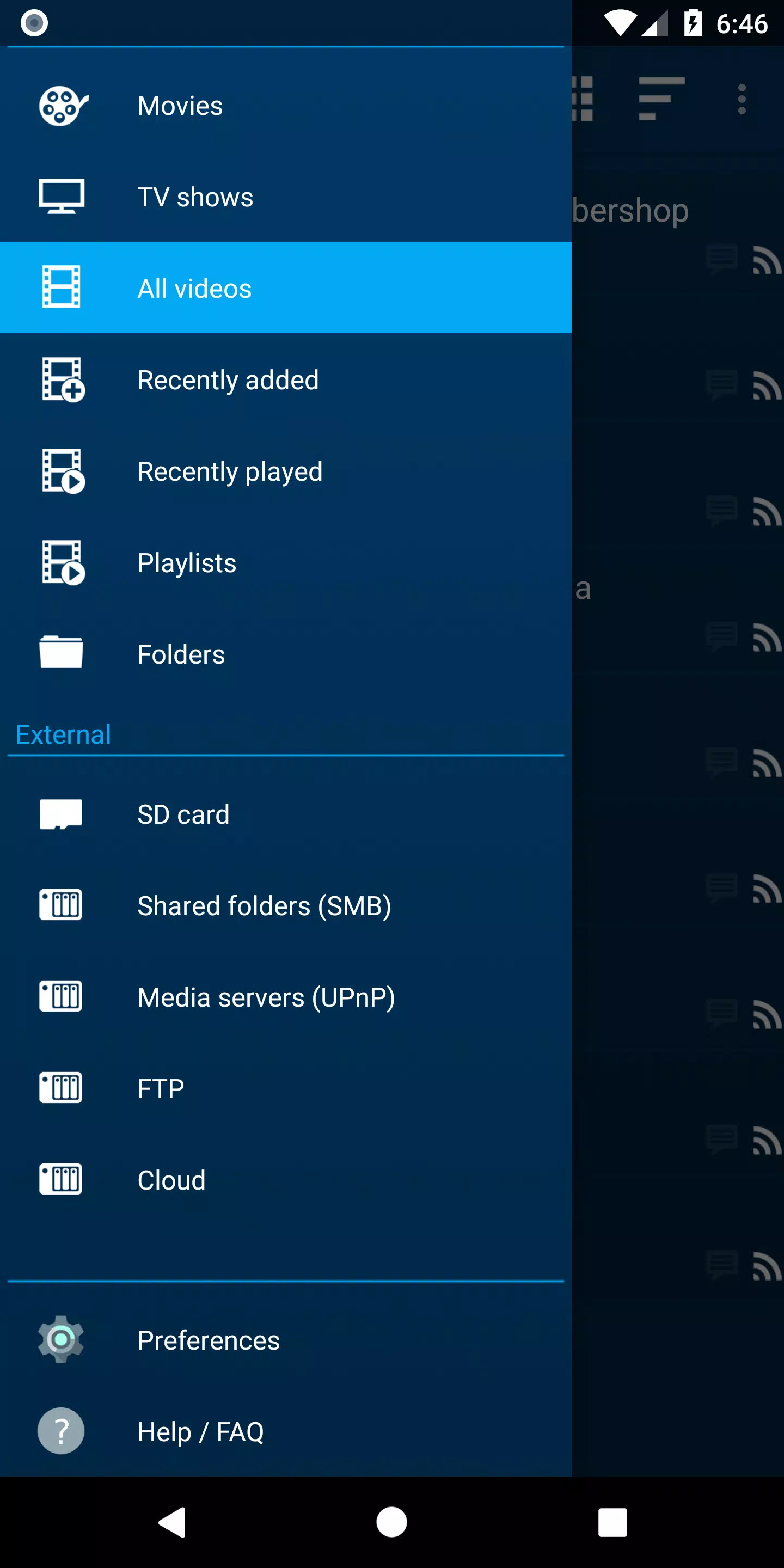
⭐ Flexible Browsing Options: Instantly access recently added or watched videos. Organize your collection by name, genre, year, duration, or rating for movies, and browse TV shows by season. Folder-based navigation is also available for users who prefer direct file access.
Tips for Users:
⭐ Make full use of the automatic online metadata retrieval to enrich your media experience with accurate titles, plots, and stunning visuals.
⭐ Explore the multi-audio and subtitle settings to customize your viewing—perfect for foreign films or hearing-impaired accessibility.
⭐ Enhance your home theater setup by enabling Audio Boost and Night Mode, especially useful for improving sound clarity and reducing volume spikes.
How to Use This App?
Download and Install: Search for NOVA Video Player on the Google Play Store or trusted app platforms, then install it on your Android device.
Launch the Player: Open the app. On first launch, allow it time to scan and index videos stored locally.
Add Video Sources: Navigate to Settings to connect network locations such as SMB, FTP, or WebDAV shares, as well as NAS or web-based video sources.
Configure Preferences: Personalize your experience by adjusting video output settings, subtitle styling, and playback behavior to match your preferences.
Play Videos: Simply select a video to start playback. Use intuitive on-screen controls to pause, skip, adjust audio/subtitles, and more.
Access Additional Features: Take advantage of tools like Audio Boost for increased volume and Night Mode for dynamic sound leveling.
Subtitles: If subtitles are missing, search and download them directly within the app using integrated support.
Troubleshoot: For any issues, refer to the app’s FAQ section or join community forums for guidance and fixes.
Update the App: Regularly update NOVA Video Player to benefit from new features, performance improvements, and bug fixes.
[ttpp]
[yyxx]
6.3.2-20240925.1924
32.70M
Android 5.1 or later
org.courville.nova