
Guide to Fixing R.E.P.O. Loading Screen Issues
The horror gaming scene boasts titles like Resident Evil and Silent Hill, but R.E.P.O. delivers a unique co-op experience. Unfortunately, some players face a persistent loading screen issue. Here’s how to resolve the R.E.P.O. loading screen glitch.
How to Fix R.E.P.O. Loading Screen Problems
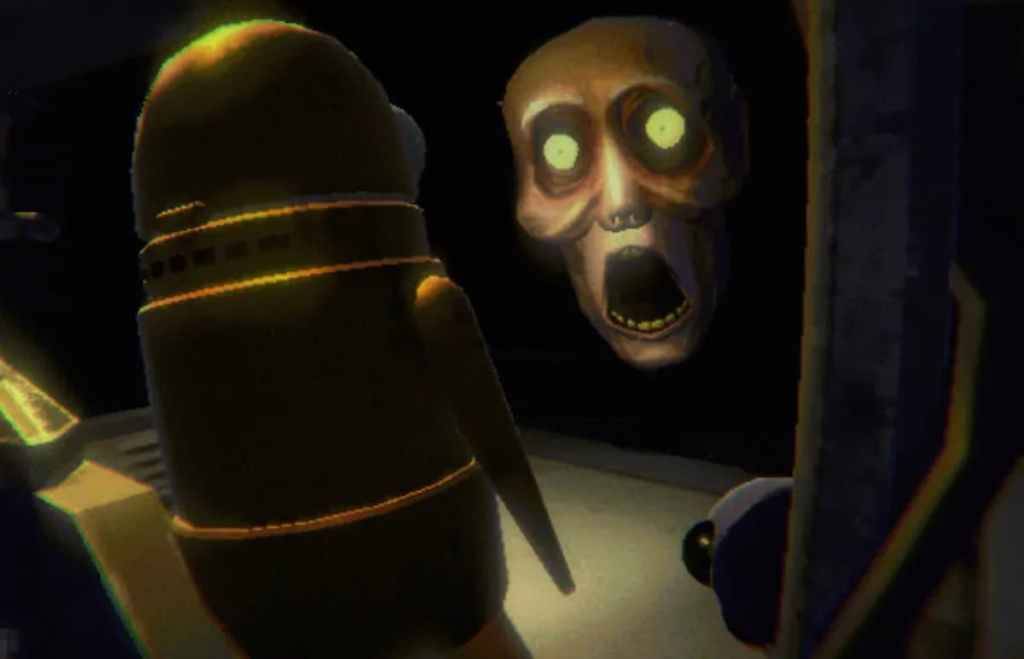
PC players launching R.E.P.O. often encounter a glitch where the game freezes on the loading screen, preventing gameplay. This issue has frustrated many, and the developer, semiwork, has not yet provided a fix. Thankfully, several troubleshooting steps can help resolve this problem.
Restart the Game
A classic fix for gaming issues, closing and relaunching R.E.P.O. often resolves loading screen problems. This simple step allows the game to reset and address minor glitches, making it the first solution to try.
Restart Your PC
If restarting the game doesn’t work, your PC might need a refresh. Rebooting the system clears temporary issues and gives your hardware a clean slate. This step also offers a brief break to mentally prepare for R.E.P.O.’s chilling gameplay.
Related: What Energy Crystals Do in R.E.P.O. and How to Get More
Launch R.E.P.O. as Administrator
Running R.E.P.O. with administrator privileges grants the game full system access, potentially smoothing out loading issues. While not guaranteed to fix the glitch, it’s worth trying. Here’s how to do it:
- Right-click the R.E.P.O. shortcut
- Select Properties and go to the Compatibility tab
- Check “Run as Administrator”
Check Game File Integrity
Verifying game files through Steam ensures all R.E.P.O. files are intact and up to date, which can fix loading screen issues. Follow these steps to verify files on Steam:
- Restart your PC and open Steam
- Right-click R.E.P.O. in the Steam Library or click the gear icon on its Library page
- Select Properties from the menu
- Go to the Installed Files tab and click “Verify integrity of game files”
Note that some files may not verify, which Steam indicates is normal. Players can safely ignore these messages while troubleshooting the loading screen issue.
These steps should resolve the R.E.P.O. loading screen glitch. For more on the game, check out our guide on all monsters in R.E.P.O. and how to evade them.
R.E.P.O. is available now on PC.

-

Pelismart Peliculas en Estreno
-

Yface
-

Plamfy: Watch Live Stream
-

FirstLine Benefits
-

Hoji Cam: Analog Film Filter
-

DanaPinjaman
-

Connex Credit Union Mobile
-

PropertyX Malaysia Home Loan
-

Loans Chap Chap
-

NSE BSE Indian Stock Quotes - Live Market Prices
-

ДругВокруг: Знакомства и чат
-

InStalker - Who viewed your Social Profile
-
1
![Roblox Forsaken Characters Tier List [UPDATED] (2025)](https://imgs.ksjha.com/uploads/18/17380116246797f3e8a8a39.jpg)
Roblox Forsaken Characters Tier List [UPDATED] (2025)
Mar 17,2025
-
2
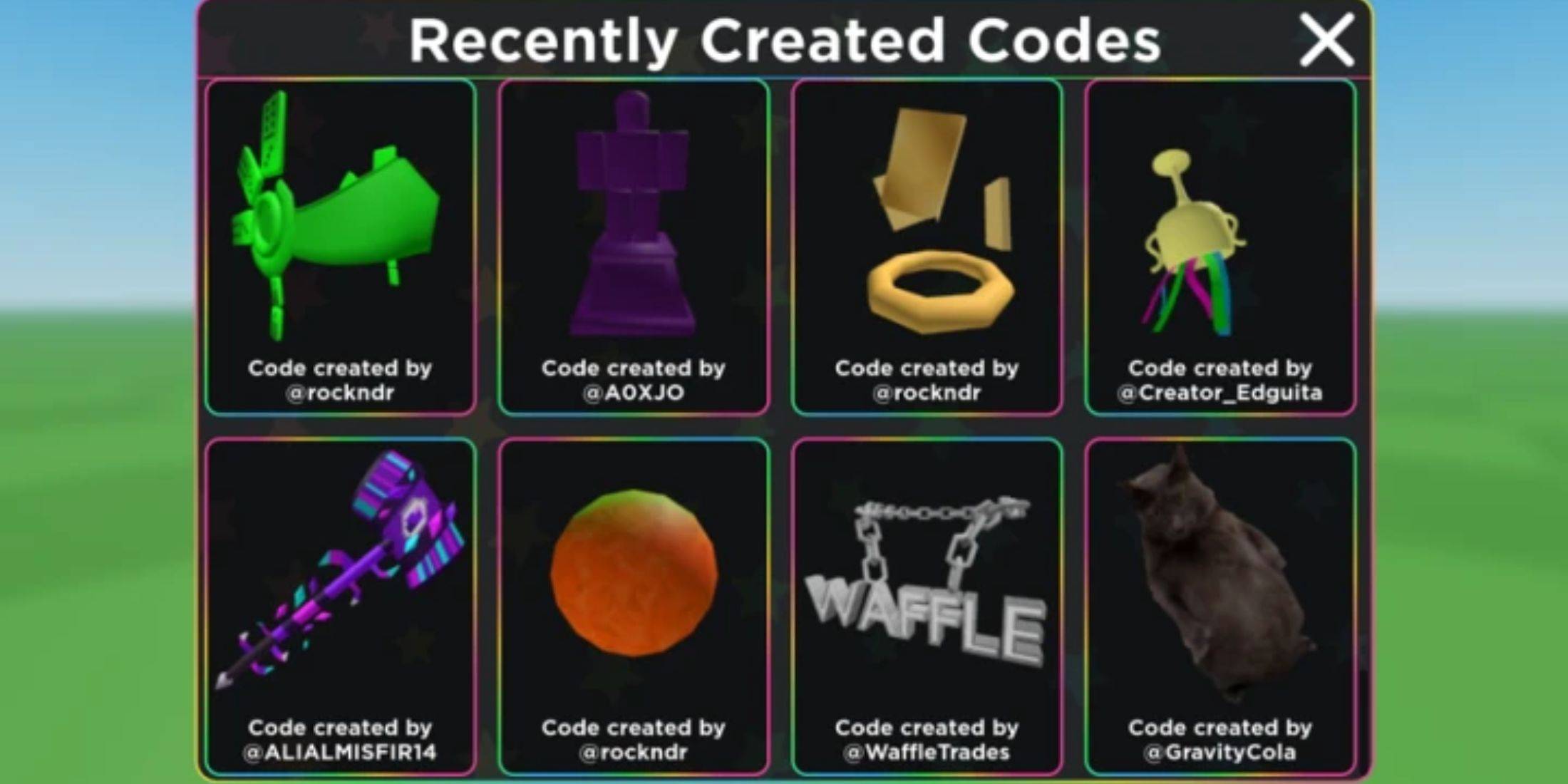
Roblox UGC Limited Codes Unveiled for January 2025
Jan 06,2025
-
3
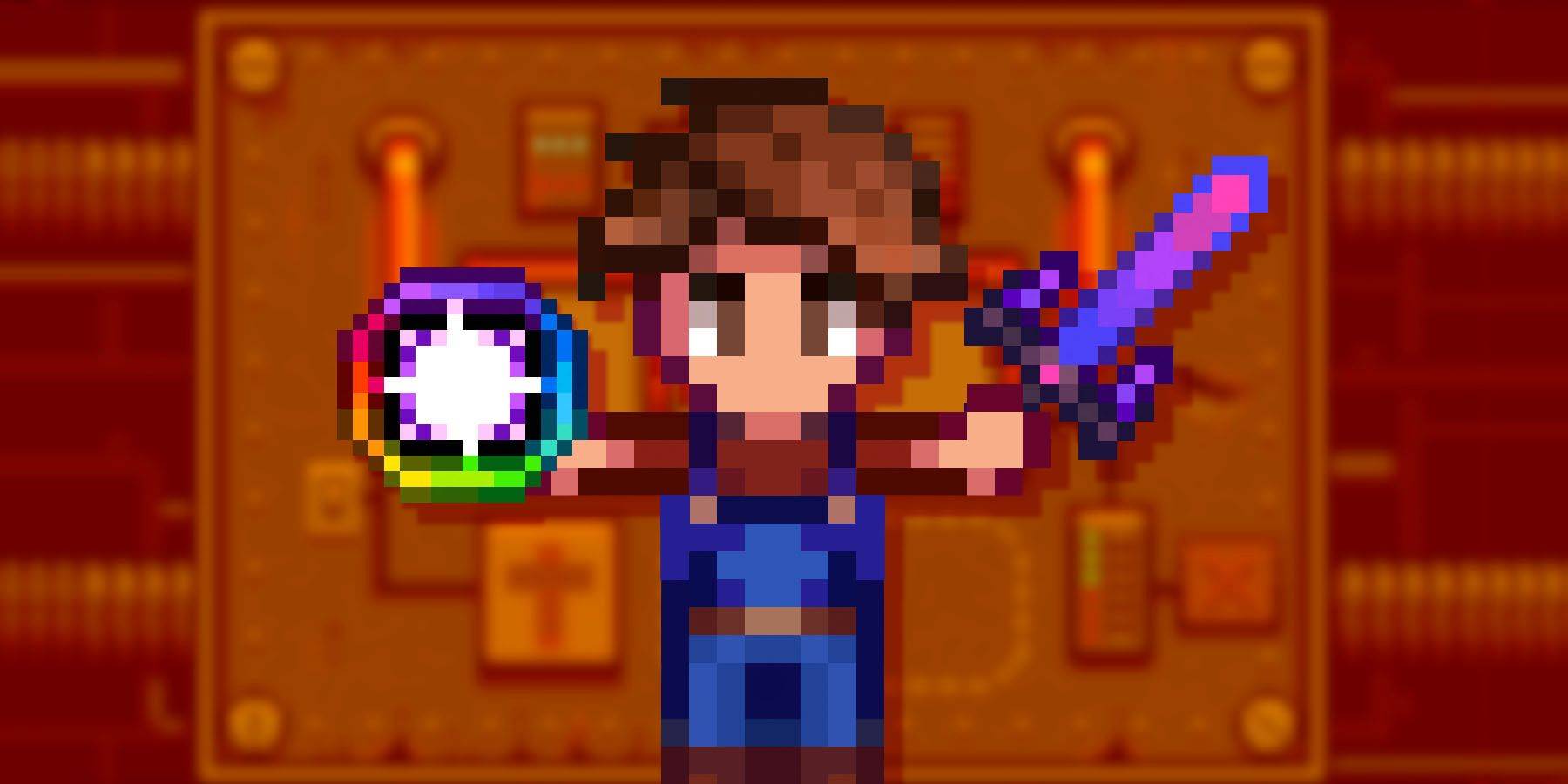
Stardew Valley: A Complete Guide To Enchantments & Weapon Forging
Jan 07,2025
-
4
Pokémon TCG Pocket: Troubleshooting Error 102 Resolved
Jan 08,2025
-
5

Free Fire Characters 2025: Ultimate Guide
Feb 20,2025
-
6

Roblox: RIVALS Codes (January 2025)
Jan 07,2025
-
7
Blood Strike - All Working Redeem Codes January 2025
Jan 08,2025
-
8
Delta Force: A Complete Guide to All Campaign Missions
Apr 09,2025
-
9

Blue Archive Unveils Cyber New Year March Event
Dec 19,2024
-
10

Cyber Quest: Engage in Captivating Card Battles on Android
Dec 19,2024
-
Download

A Simple Life with My Unobtrusive Sister
Casual / 392.30M
Update: Mar 27,2025
-
Download
![Corrupting the Universe [v3.0]](https://imgs.ksjha.com/uploads/66/1719514653667db61d741e9.jpg)
Corrupting the Universe [v3.0]
Casual / 486.00M
Update: Dec 17,2024
-
Download

Ben 10 A day with Gwen
Casual / 47.41M
Update: Feb 24,2025
-
4
Random fap scene
-
5
Oniga Town of the Dead
-
6
Cute Reapers in my Room Android
-
7
A Wife And Mother
-
8
Permit Deny
-
9
My School Is A Harem
-
10
Utouto Suyasuya