
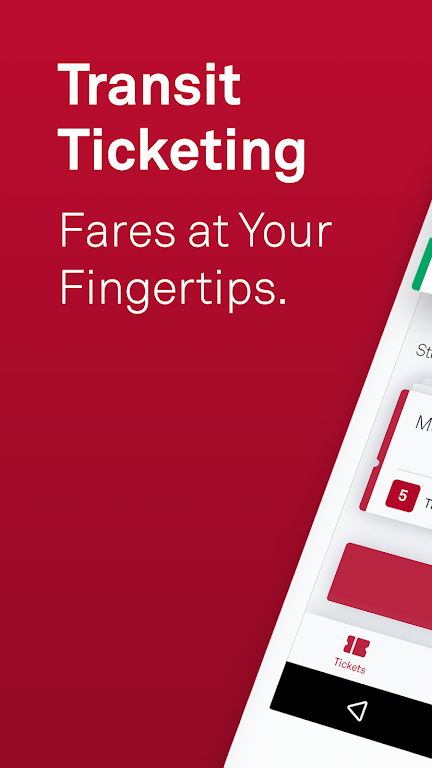
MuniMobile, the official app from the San Francisco Municipal Transportation Agency (SFMTA), simplifies your public transit journey. It brings together mobile ticketing, live arrival predictions, and smarter trip planning in one place. Pay for tickets with a debit or credit card, PayPal, or Apple Pay, then activate them right before you board. It’s the complete travel assistant that cuts out cash and paper tickets entirely.
What MuniMobile Offers:
> Easier Rides: Skip paper tickets and spare change—buy and use fares right from your phone.
> Flexible Payments: Use a debit/credit card, PayPal, or Google Pay to buy fares.
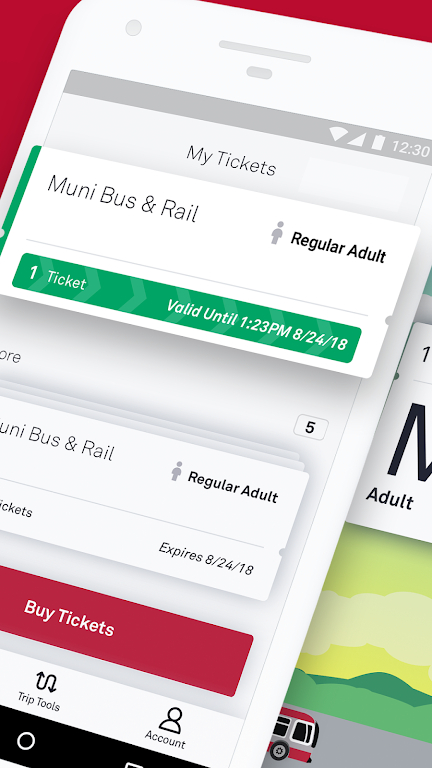
> Store Multiple Tickets: Keep several tickets on your phone ready for your next trip.
> Ride Together: Buy fares for your whole group in just a few taps.
> Secure Payments: Register payment details safely in the app for worry-free travel.
Frequently Asked Questions:
> Do I need Internet to buy tickets?
- Yes, a connection is required for purchases, but you can activate and use tickets offline.
> What happens if my phone runs out of battery?
- Plan ahead by keeping your phone charged to always have a valid fare ready.
> Can I move tickets to another phone?
- Yes, just create an account before buying tickets. Unused tickets can be transferred to a new device.
How to Use the App:
Download the App: Get MuniMobile from the App Store or Google Play.
Create an Account: Sign up with your email or phone number.
Choose Rider Type: Pick Adult, Senior/Disabled/Medicare, Youth, or SF Access.
Select Your Fare: Choose a Single Trip Fare for Muni Bus & Rail, Cable Car, or Passports.
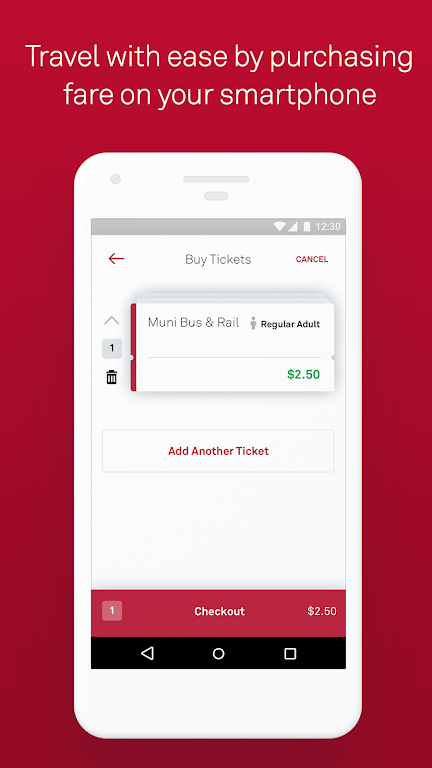
Purchase Tickets: Select the quantity and complete checkout with your preferred payment option.
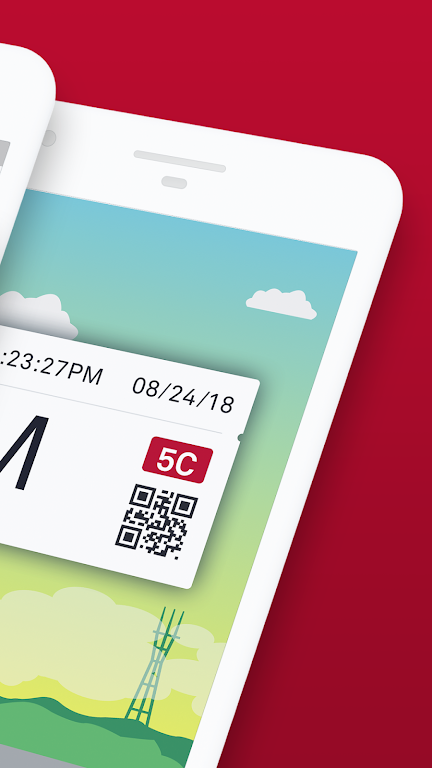
Activate Before Boarding: Activate your ticket before stepping on the vehicle or entering fare gates.
Use Offline: You can activate and use tickets even without an Internet connection.
Manage Tickets: Store and organize multiple tickets on your phone for later trips.
Turn On Auto-Refresh: Make sure the app is set to refresh so you get real-time service updates.
Get Help: Check the MuniMobile FAQ page or the app’s help section for support.
3.20.6986
19.00M
Android 5.1 or later
com.sfmta.mt.mobiletickets