FAB Adblocker Browser is a robust ad-blocking web browser built for speed, security, and privacy. Its advanced ad blocker removes intrusive ads, pop-ups, and trackers to deliver a smoother, more enjoyable web experience. FAB prioritizes your privacy and data security, featuring tools like a free VPN and AI technology to enhance your online browsing. With FAB, surf the web without leaving a digital footprint and enjoy a clean, ad-free internet.
Features of FAB Adblocker Browser: Adblock:
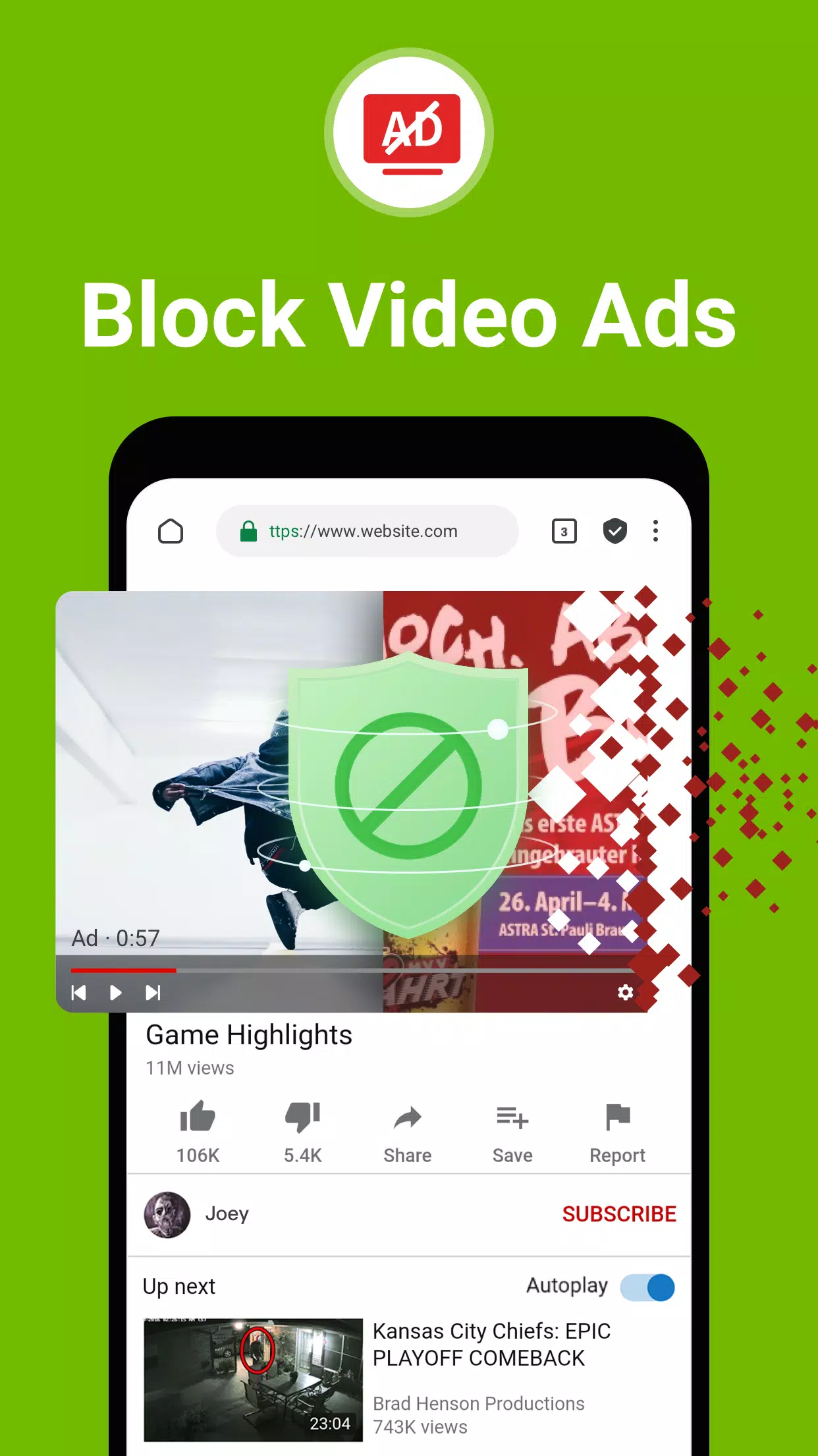
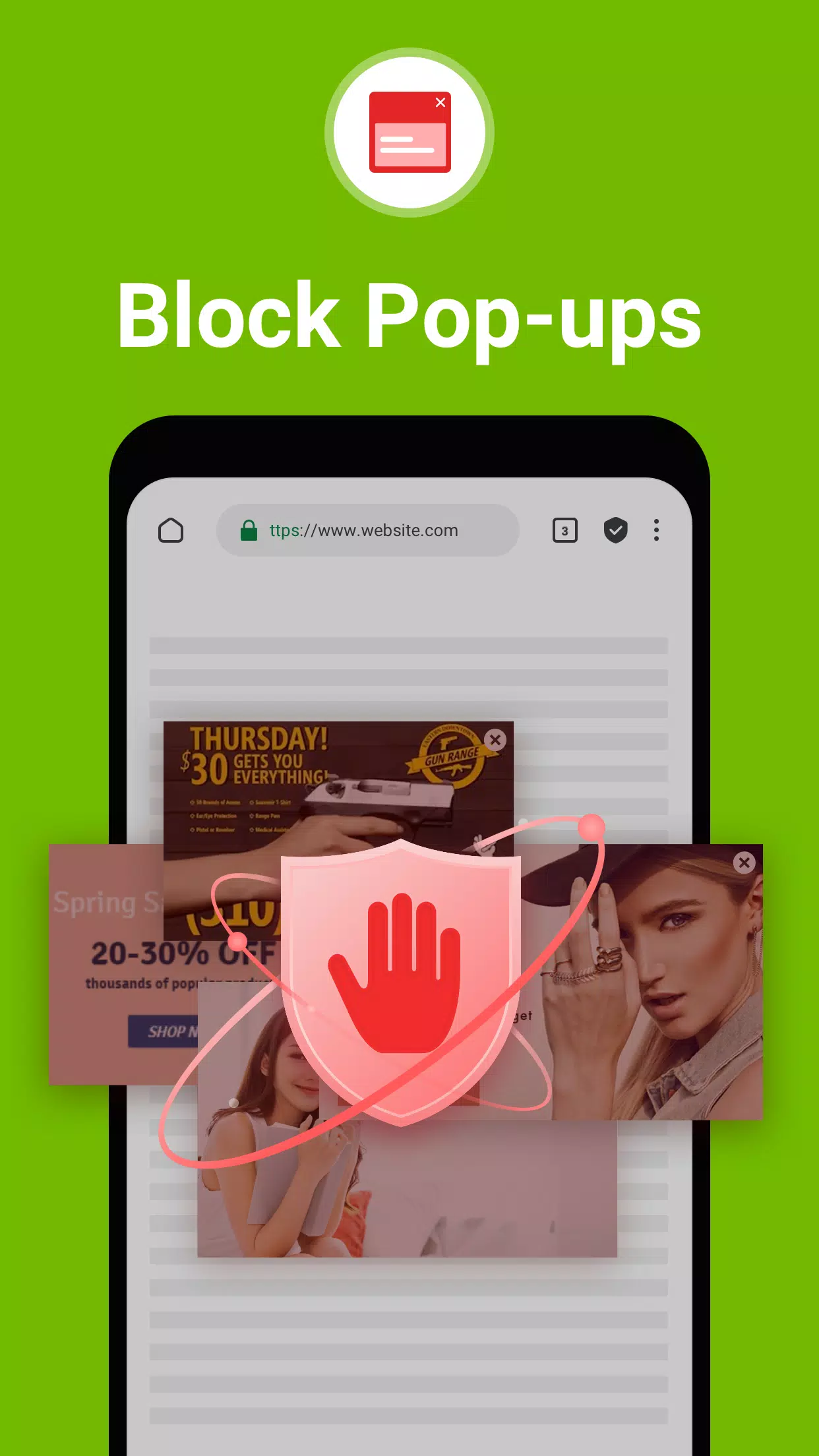
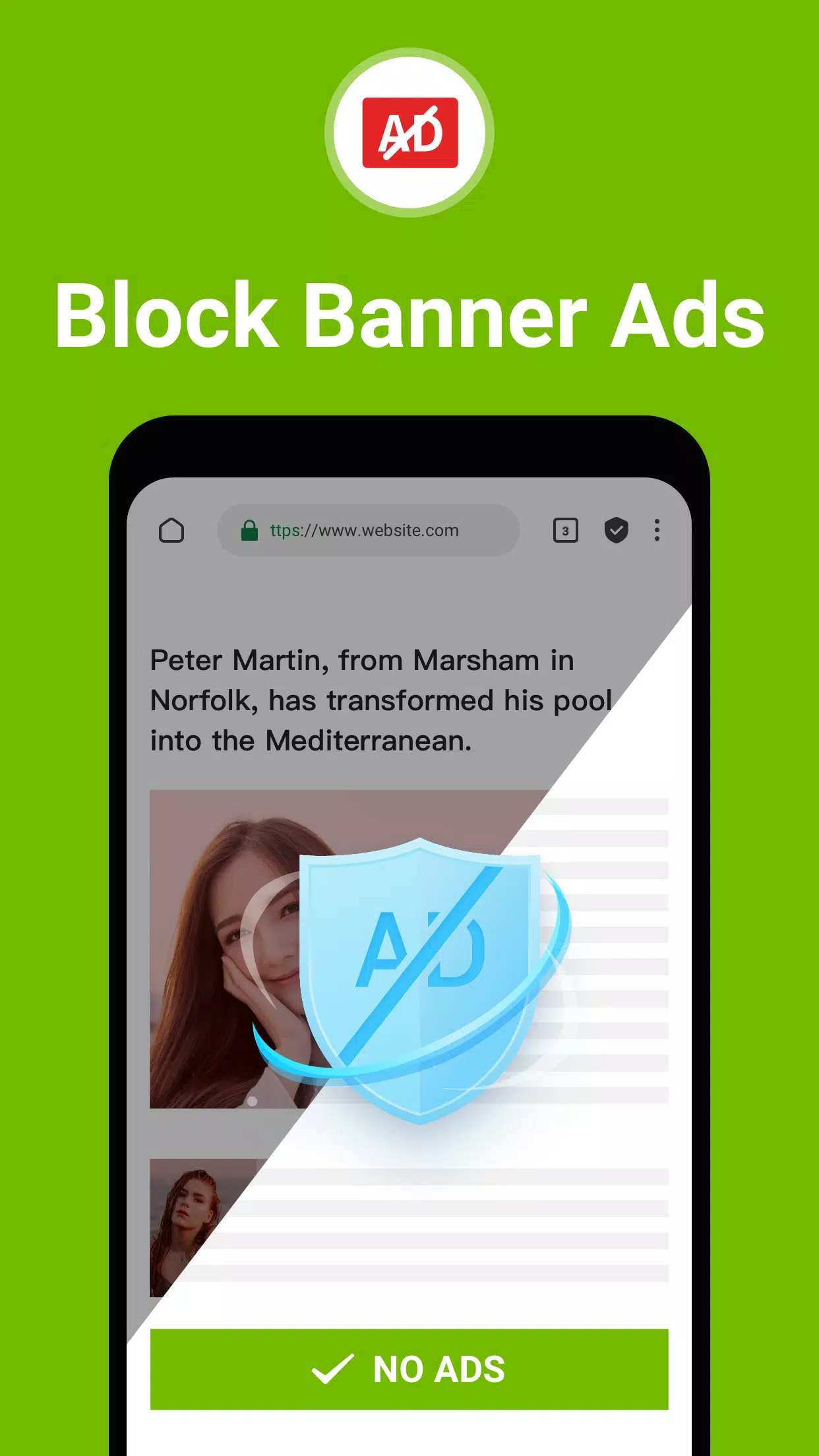
⭐ Ad-Free Browsing: Eliminate annoying banners, pop-ups, and video ads with this built-in adblock browser.
⭐ Privacy Protection: Block third-party ad cookies and get warnings against malware and adware for safer browsing.
⭐ Saves Data & Battery: The integrated adblocker reduces data usage and helps extend your device's battery life.
Tips for Users:
⭐ Customize your ad‑blocking settings to match your preferences and browsing style.
⭐ Take advantage of the ultra‑fast browsing speed to move seamlessly between web pages.
⭐ Enjoy uninterrupted, distraction‑free browsing with full privacy protection.
How to use this app?
Download and Install: Get the FAB Adblocker Browser from your device's app store.
Open the Browser: Launch the app and set preferences like your default search engine.
Start Browsing: Begin surfing the web and notice the immediate absence of ads and pop-ups.
Activate VPN: Turn on the built‑in VPN for an added layer of security and privacy.
Use AI Tools: Employ the included AI features for a more personalized browsing journey.
Check Ad Block Stats: View the count of blocked ads and your data savings from the main menu.
Customize Settings: Adjust theme, privacy, and security options to fit your needs.
Stay Updated: Keep the app up to date to access the latest features and improvements.
Contact Support: If you need help, contact [email protected].
Enjoy Private Browsing: Experience peace of mind with secure, anonymous web surfing.
96.1.3756
196.70M
Android 5.1 or later
com.hsv.freeadblockerbrowser